

 Contact Us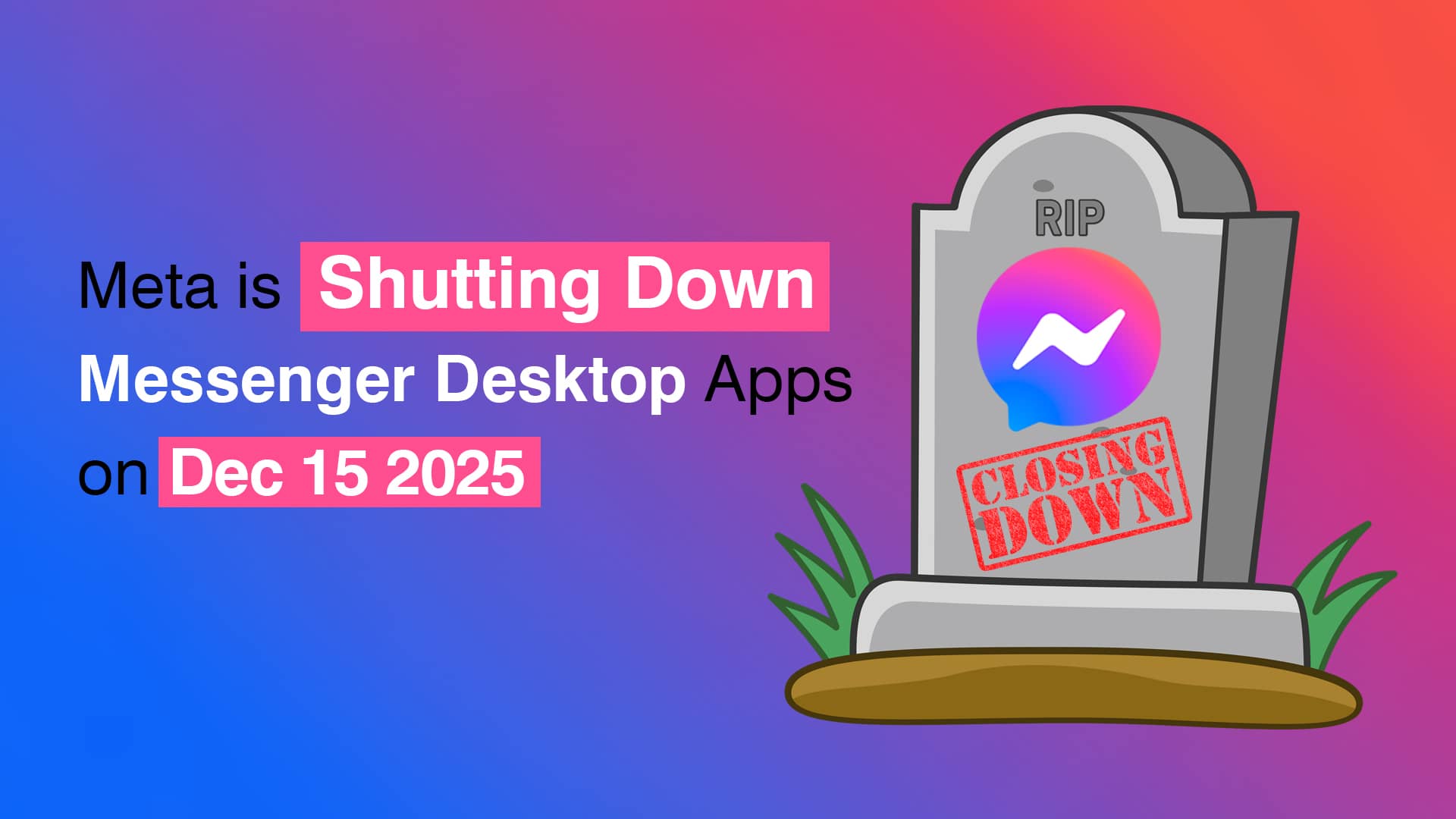
The tech world is buzzing once again with major news from Meta. The company has officially announced that it will discontinue its Messenger desktop apps for Windows and macOS on December 15, 2025. For millions who rely on the standalone Messenger app for communication, this shift signals the end of an era — and the start of a transition toward a fully web-based experience.
As a leading website designing company in Delhi, we at Web Solution Centre believe it’s crucial to stay informed about such digital transitions. Whether you’re a small business owner or a social media enthusiast, understanding this change helps ensure your communication and data remain secure and uninterrupted.
Why Meta Is Shutting Down Messenger Desktop Apps
While Meta hasn’t shared the full technical details behind the decision, several factors likely contributed:
-
Focus on Web and Mobile Platforms: Meta aims to streamline resources toward its web and mobile Messenger experiences, which see far higher usage.
-
Integration Across Meta Ecosystem: Messenger continues to evolve alongside Facebook, Instagram, and WhatsApp. By focusing on the web interface, Meta can unify its messaging experience more easily.
-
Better Security and Maintenance: Maintaining desktop applications across multiple operating systems (Windows and macOS) comes with recurring security challenges and update costs. Shifting to the browser eliminates these complexities.
For everyday users, the transition means adapting to a browser-based chat experience — something that’s already familiar to most.
What Happens After December 15, 2025
After December 15, users will no longer have access to Messenger via the standalone desktop app. Instead:
-
App access will be blocked permanently. Opening the Messenger app will show a prompt redirecting you to Messenger.com or Facebook.com.
-
Chats will only be available via browser. You’ll continue conversations through your preferred browser without losing your message history, as long as you follow Meta’s security recommendations.
-
Meta recommends enabling secure storage and PIN. This feature ensures your messages and chat backups remain accessible and protected on the web version.
The key is to take action now: confirm you have browser access and enable secure chat storage before the deadline.
How to Secure Your Messenger Chats Before the Shutdown
If you’re still using Messenger on your PC or Mac, now’s the time to prepare. Here’s a quick checklist to make the transition smooth:
-
Login on Messenger’s web version via your browser and check if all your chats are synced.
-
Enable end-to-end encryption (E2EE) if available in your region for maximum security.
-
Set up your PIN for secure storage under the “Privacy & Security” settings to back up chats safely.
-
Download essential files or media from ongoing conversations if needed. Some attachments might not transfer seamlessly during system changes.
-
Check your browser notifications to keep real-time message alerts enabled.
By securing your data now, you won’t lose valuable conversations or business communication flow when the desktop version disappears.
What This Means for Businesses and Professionals
Messenger has long been an essential tool for real-time customer communication, especially for small businesses, marketers, and freelancers. With dedicated apps going offline, you’ll want to rethink how your business manages digital customer engagement.
As a website designing company in Delhi, we recommend leveraging this opportunity to integrate Messenger directly into your website design or business portal. Web chat features and Messenger widgets can make your site more interactive and ensure clients can reach you anytime — even without the standalone app.
Key suggestions for businesses:
-
Embed Messenger Chat Widgets on your website for seamless communication.
-
Integrate contact forms and live chat solutions into your website design to reduce dependency on third-party apps.
-
Use Facebook Business Suite through the browser to manage page messages, ads, and customer interactions in one place.
-
Create a backup communication channel such as WhatsApp Business or email fallback for clients who prefer other platforms.
Smooth digital communication is a sign of an adaptable, modern business — something every brand should strive for in today’s evolving tech landscape.
Why User Experience Still Matters More Than Ever
Meta’s move is another reminder that digital environments evolve quickly. Businesses cannot rely on single platforms indefinitely; adaptability is key. This is especially relevant for companies investing in website design Delhi who aim to maintain consistency in customer service.
A web experience that’s fast, responsive, and omnichannel-ready helps offset uncertainties created by such shutdowns. At Web Solution Centre, we help businesses design websites and user interfaces that keep these aspects in mind. Our approach ensures:
-
Responsive layouts that function seamlessly across devices.
-
Built-in integrations for Messenger, WhatsApp, and email marketing.
-
Scalable infrastructure that adapts as digital tools come and go.
-
SEO-friendly website design to stay visible even as platform dynamics shift.
When a major company like Meta changes direction, those with versatile web strategies adapt instantly — and often gain a competitive edge.
What Are the Alternatives for Desktop Messaging?
For users who prefer standalone apps, a few alternatives can fill the gap once Messenger desktop support ends:
-
Messenger.com Progressive Web App (PWA): Installable directly from your browser, offering a near-desktop feel.
-
All-in-one messaging apps like Franz or Rambox that combine multiple messaging services including Messenger, WhatsApp, and Slack.
-
Mobile-first communication: Continue using the Messenger app for Android or iOS, which remains fully supported.
Regardless of your choice, the focus now shifts from local desktop apps to cloud-based accessibility.
Adapting to the Digital Shift with Confidence
Meta’s decision is part of a broader digital shift — a move toward browser-based, cross-platform communication. This aligns with the future of digital interaction, where flexibility, security, and integration matter more than hardware-specific tools.
At Web Solution Centre, we view this as a wake-up call for organizations to modernize their digital infrastructure. As a trusted website designing company Delhi, we help brands rethink online experiences — integrating chat, lead capture, automation, and analytics within your website.
Your business website should remain the primary hub for engagement, not a secondary tool. With professional website design Delhi, you can offer secure messaging, contact management, and customer support all in one place.
Final Thoughts
As we say goodbye to Messenger’s desktop apps, the message from Meta is clear: the web is the future of communication. This shift may seem inconvenient initially, but it opens doors to a more unified, efficient, and browser-centered experience.
For users, it’s about adjusting early and securing data. For businesses, it’s about transforming websites into smarter communication hubs.
If you need expert help integrating Messenger or real-time chat with your website, reach out to Web Solution Centre. Our team specializes in website designing in Delhi, crafting future-ready digital experiences that keep your business connected — no matter how fast technology changes.